What you'll build 🎉
Welcome back, club! So far you've been the one driving — the car only goes where you point the remote. Today is different and a little bit magical: you'll set the car loose and let it drive itself. No coding today (that's coming up next session!) — the program is already inside the car, and one button on the remote switches it on.
Right now your car only goes where you tell it. In this mission you'll turn it into a little explorer that drives by itself and steers around walls, chair legs, and your shoes — without ever bumping into them. The secret? A tiny sensor that listens for echoes, just like a bat.
Here's the behavior you're about to unlock — watch a car roam and dodge on its own:
How does it "see"? 🦇
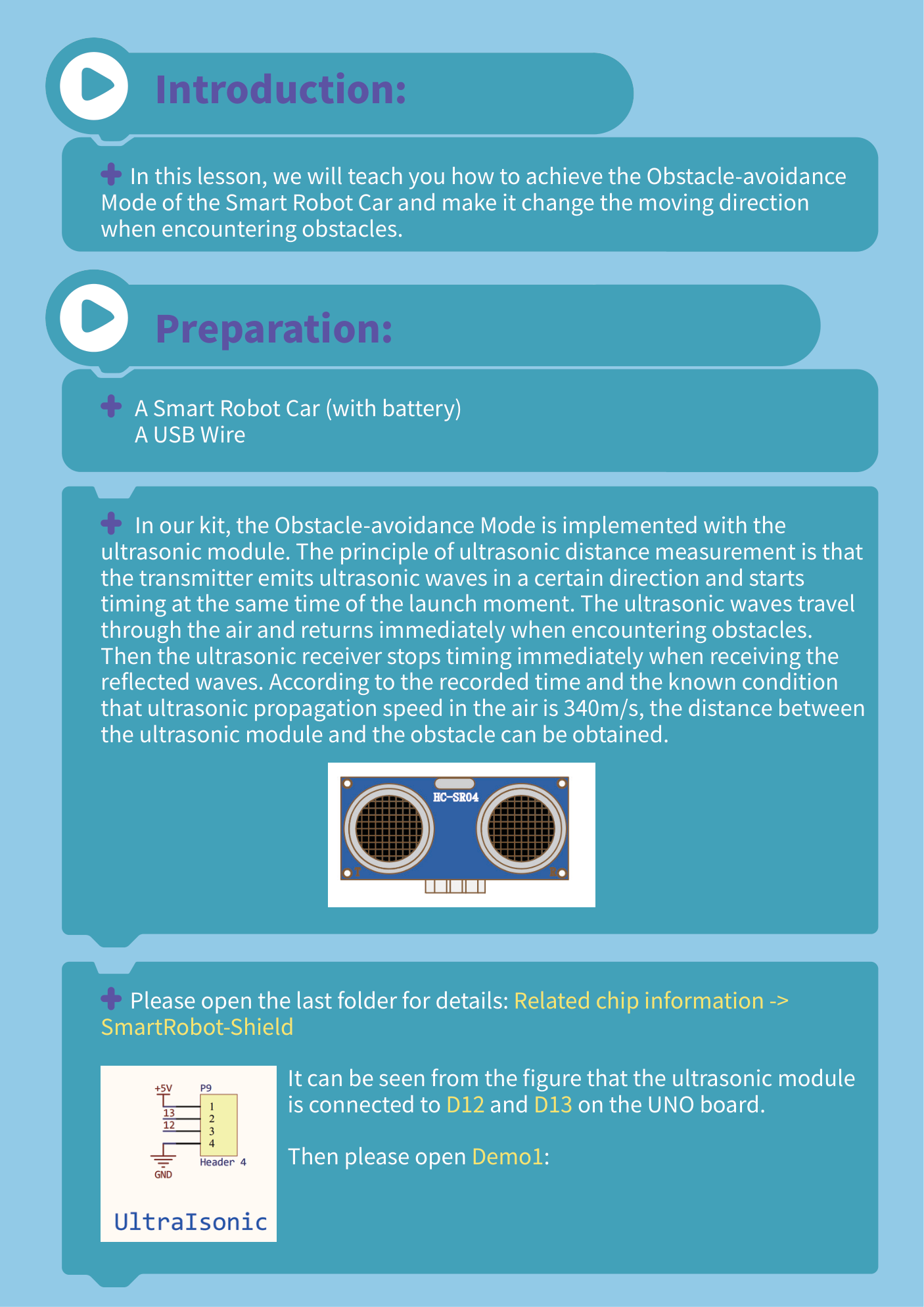
Your car uses an ultrasonic sensor — the part that looks like two little eyes. One eye sends out a sound too high for us to hear. When that sound hits something, it bounces back, and the other eye listens for it. The car measures how long the echo took to return and uses that to figure out how far away the object is. Sound travels about 340 meters every second, so the math is quick!
Let's go!
Check the sensor is mounted and plugged in
Make sure the ultrasonic "eyes" sensor is mounted on the front of the car and facing straight forward (not tilted up or down). Its cable should be pushed firmly into its socket on the board. That's the part that lets the car "see," so it has to be connected for any of this to work.
Put it on the floor and switch it ON
Set the car on a clear patch of floor with space around it (not a table — it doesn't know about edges and will drive right off!). Slide the power switch to ON, then let go and count one… two… three so it can learn which way is straight.
Press the "Obstacle-avoidance" key on the remote
Pick up the IR remote, point its front at the car, and press the Obstacle-avoidance key. That tells the car: "stop waiting for me — go explore on your own, and turn away from anything you get close to." Then set the remote down and let the car do its thing! 🤖
Watch it roam and dodge
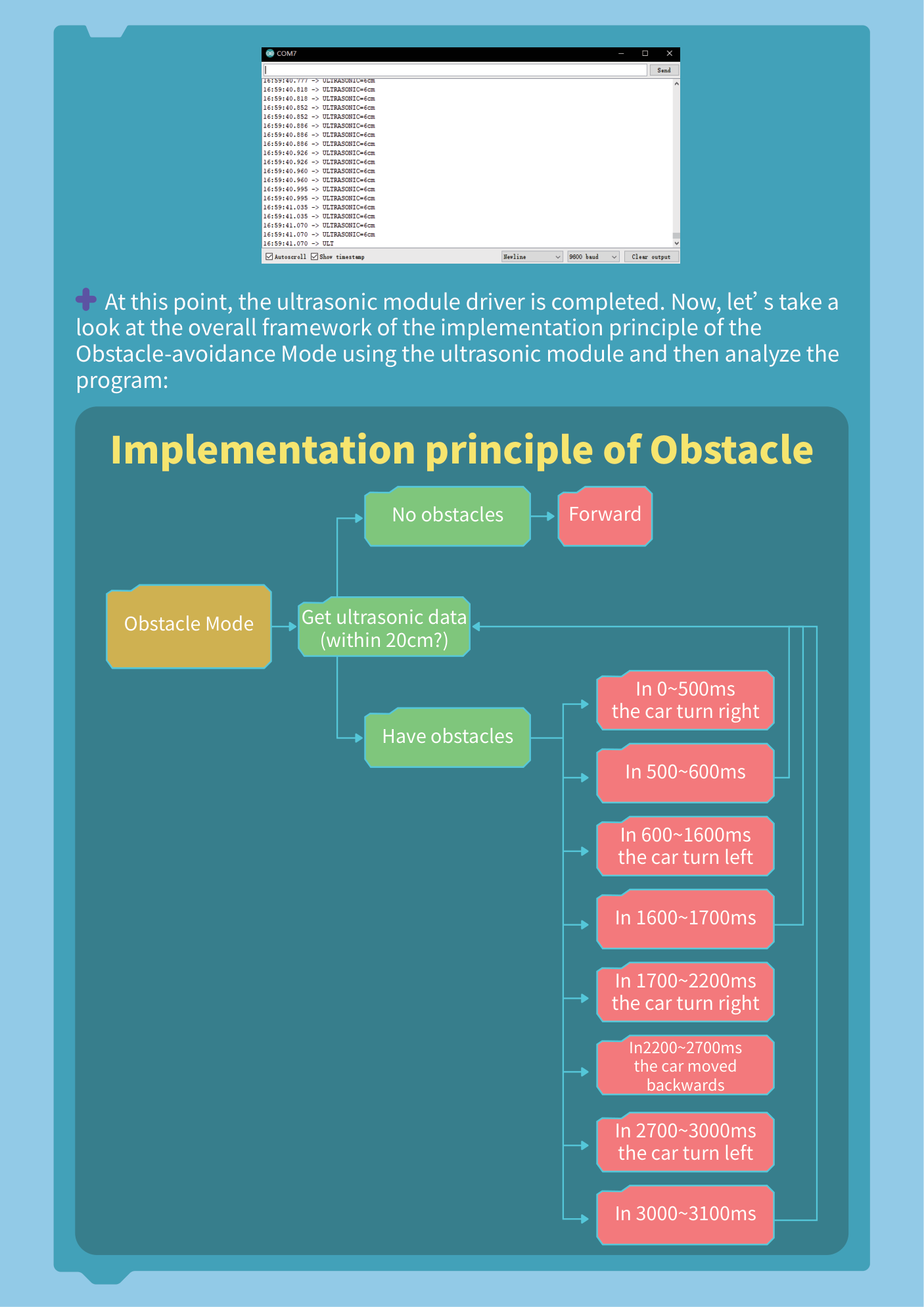
The car should now drive forward by itself and turn away whenever you put your hand or a box in front of it. Here's the plan it follows over and over, many times per second: it checks the distance, and if something is too close, it backs up and turns; otherwise it keeps rolling forward.
Experiment!
Now play scientist. Wave your hand in front of it and watch it dodge. Build a little maze out of books or boxes and see if it can find its way through. Try a wide-open space versus a tight one — does it behave differently? When you're done, press Stop on the remote and switch the car off.
If something's not working
The car drives straight into the wall
The sensor probably isn't reading. Check that the ultrasonic sensor is firmly pushed into its socket on the board and facing forward (not tilted up or down).
Nothing happens when I press the remote key
Point the front of the remote right at the car and get a bit closer — the remote uses invisible light, so it needs a clear line to the car. Make sure the car is switched on, and press the Obstacle-avoidance key once and firmly. If the remote is brand new, pull the plastic tab out of its battery.
The car spins or won't drive straight
Make sure all four motor wires are connected and the wheels turn freely. Low batteries can also make motors behave oddly — charge them up.
Level up 🚀
Want to change how close it stops before turning? That number lives in the car's code — and learning to change it is our next lesson! For now, see how the car handles different challenges: a narrow doorway, a circle of boxes, a pet (a gentle one!). Next session you'll open up the program and start telling the car exactly what to do.